Blog and resources
DP – Événements
Displays events with imagery and practical details. Add Événements entries and choose Banderole, Affiche or Panorama. Use for conferences, webinars or internal meetings. Check dates, venue and registration link; remove or update past events according to editorial policy.
What you fill in
The content fields of this widget, in the order of the Elementor panel. Appearance settings are gathered in the reference.
Contenu
| Label in the plugin | How to complete it |
|---|---|
| Format d'affichage | Choose an available option and check its effect in the preview. Options: Banderole (horizontal) · Affiche (vertical) · Panorama (image large + infos). |
| Événements | Open each entry; add, duplicate or reorder the items you need. |
| ↳ Type d'événement | Enter short, clear text. |
| ↳ Titre | Enter short, clear text. |
| ↳ Date / heure | Enter short, clear text. |
| ↳ Description | Enter the text, then check its length in the preview. |
| ↳ Image (desktop) | Choose the appropriate media file and check the result. |
| ↳ Image mobile (optionnel) | Si vide, l'image desktop est utilisée sur mobile. |
| Bouton d'inscription | |
| ↳ Texte du bouton | Enter short, clear text. |
| ↳ Lien | Enter the full destination and test the link in the correct language. |
| ↳ Couleur (remplace le défaut) | Empty: the design colour applies. Check the contrast against the background. |
Available designs
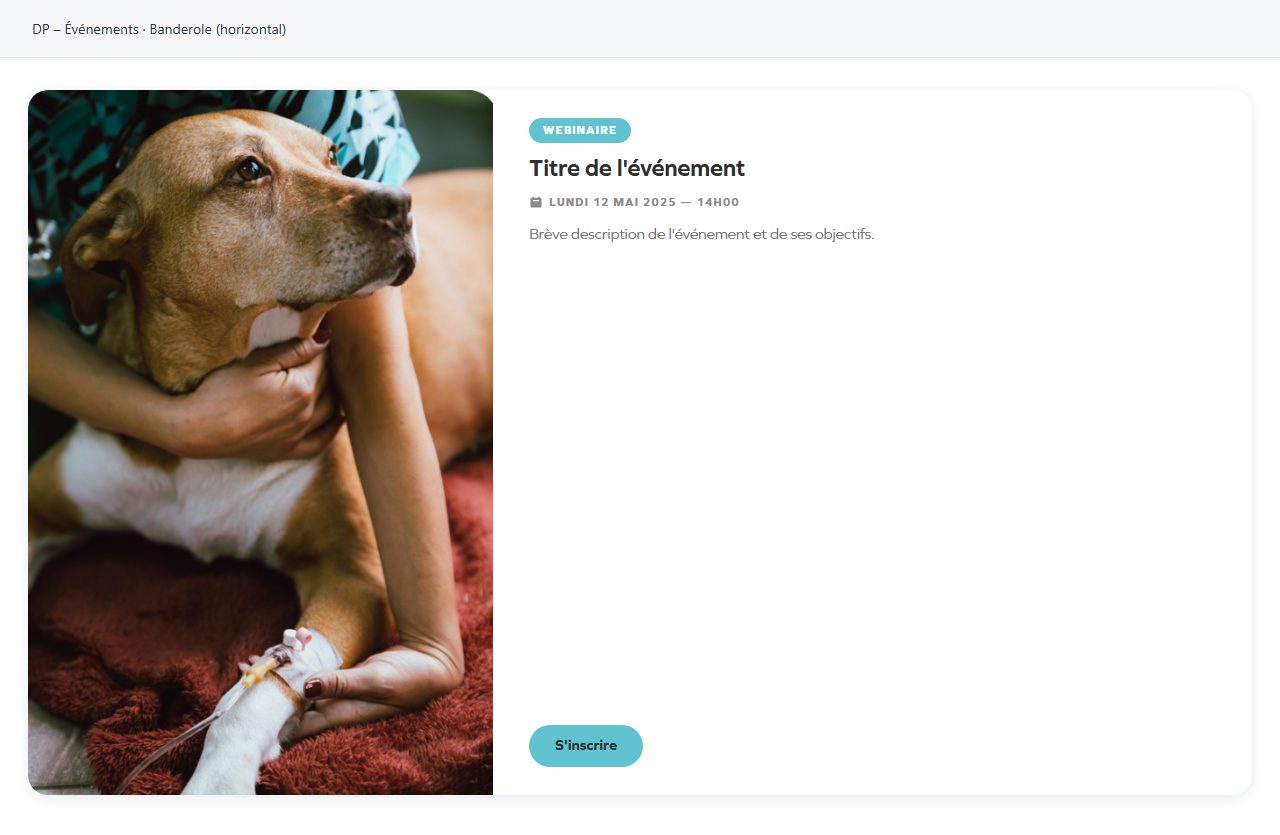
Banderole (horizontal)
Horizontal format: image and practical information sit alongside one another. Suitable for a short list.
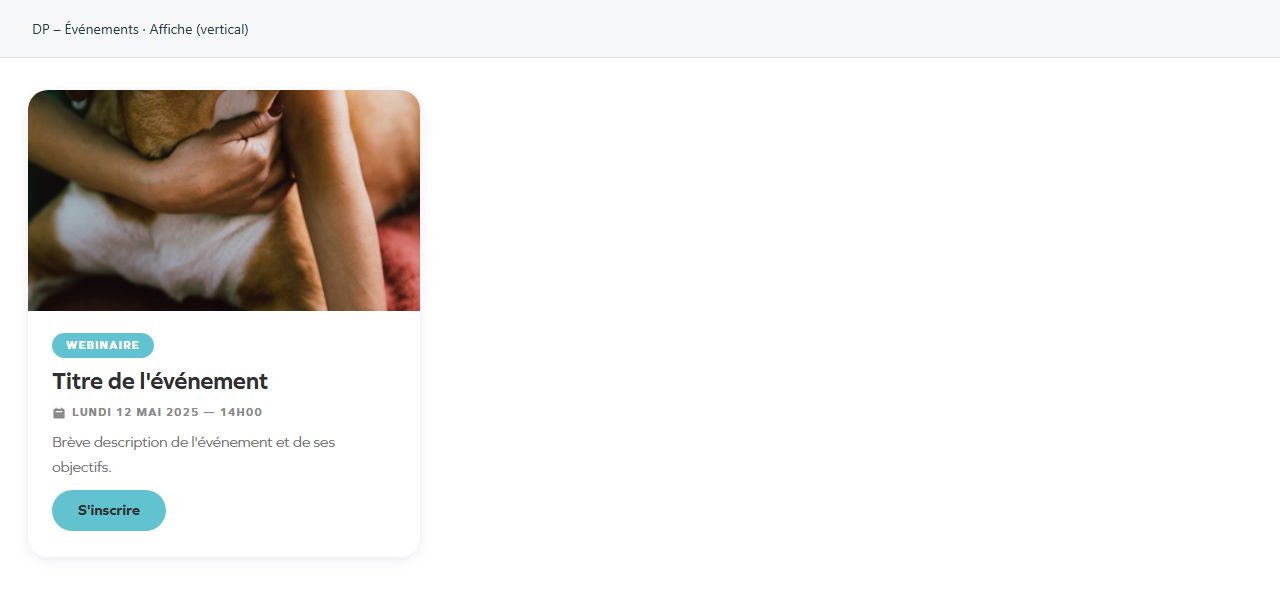
Affiche (vertical)
Vertical, poster-like format. The image receives greater emphasis before the information.
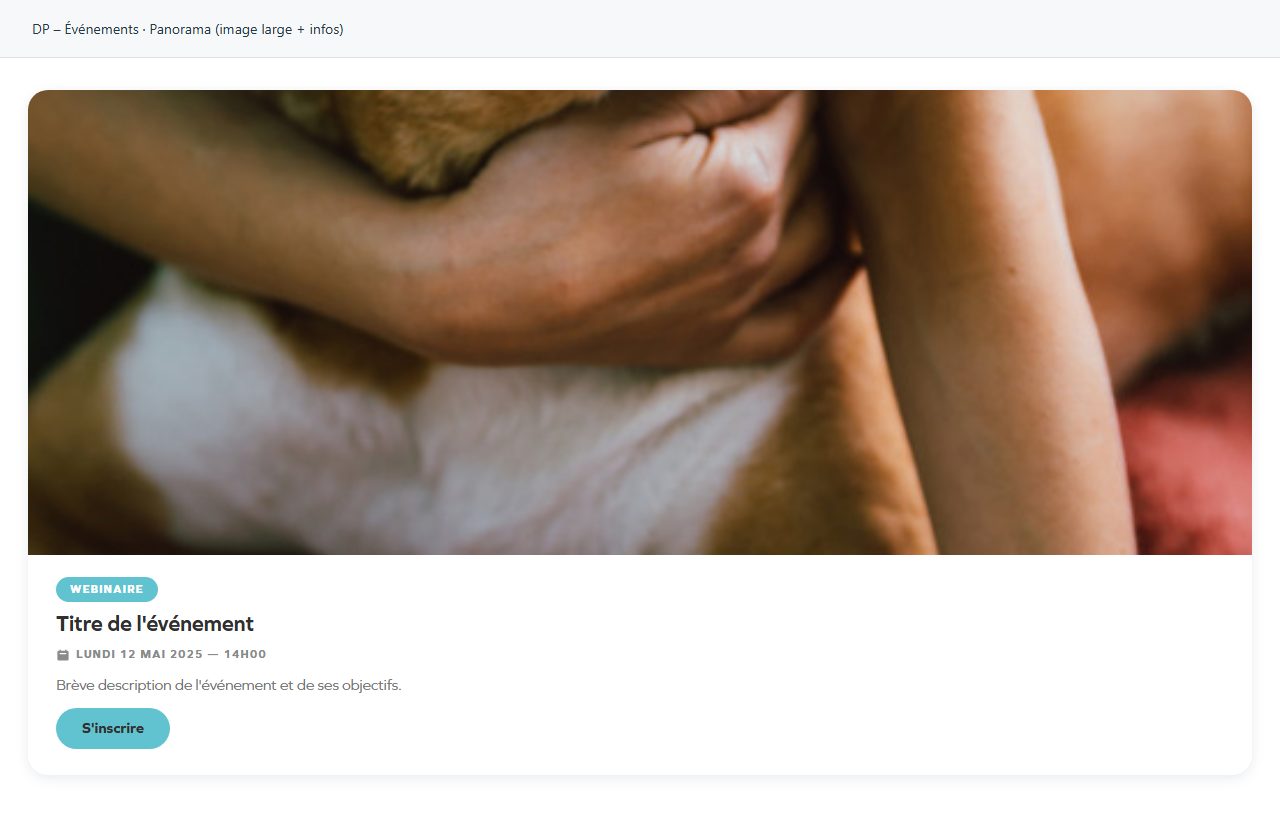
Panorama (image large + infos)
A wide image opens the entry; make sure panoramic cropping preserves the subject.