Products and catalogue
DP – Présentation de gamme
Combines a presentation, image and several buttons. Complete the heading fields, text, photograph and button list; choose image side and proportions. Despite its name, it also suits an expertise or project. Check every destination and button consistency when they stack vertically.
What you fill in
The content fields of this widget, in the order of the Elementor panel. Appearance settings are gathered in the reference.
Contenu
| Label in the plugin | How to complete it |
|---|---|
| Disposition | Choose an available option and check its effect in the preview. Options: Texte a gauche / image a droite · Image a gauche / texte a droite. |
| Proportion des colonnes | Choose an available option and check its effect in the preview. Options: 40 / 60 · 45 / 55 · 50 / 50 · 55 / 45 · 60 / 40. |
| Alignement du contenu | Choose a position or alignment that supports reading. Options: Gauche · Centre · Droite. |
| Alignement vertical | Choose an available option and check its effect in the preview. Options: Haut · Centre · Bas. |
| Sur-titre | Enter short, clear text. |
| Titre | Enter short, clear text. |
| Texte | Write the content and use restrained formatting. |
Boutons
| Label in the plugin | How to complete it |
|---|---|
| Disposition des boutons | Choose an available option and check its effect in the preview. Options: Sur une ligne · En colonne. |
| Liste des boutons | Open each entry; add, duplicate or reorder the items you need. |
| ↳ Texte du bouton | Enter short, clear text. |
| ↳ Lien | Enter the full destination and test the link in the correct language. |
| ↳ Style | Choose an available option and check its effect in the preview. Options: Plein · Contour · Texte. |
Image
| Label in the plugin | How to complete it |
|---|---|
| Photo | Choose the appropriate media file and check the result. |
| Image size | Image size group: choose the size served by WordPress; “Custom” reveals width and height. |
| Ajustement de l’image | Choose an available option and check its effect in the preview. Options: Couverture · Contenir · Remplir. |
| Position horizontale de l’image | Choose a position or alignment that supports reading. Options: Gauche · Centre · Droite. |
| Position verticale de l’image | Choose a position or alignment that supports reading. Options: Haut · Centre · Bas. |
Available designs
Texte a gauche / image a droite
Text on the left, image on the right: reading starts with the explanation.
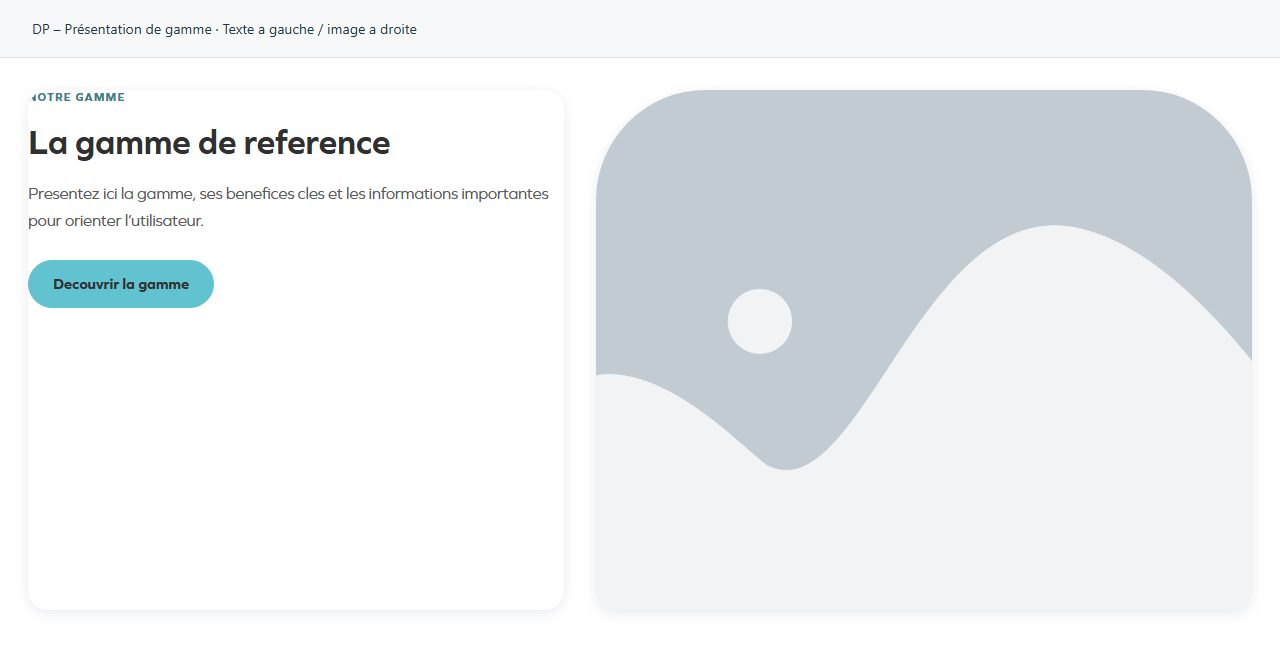
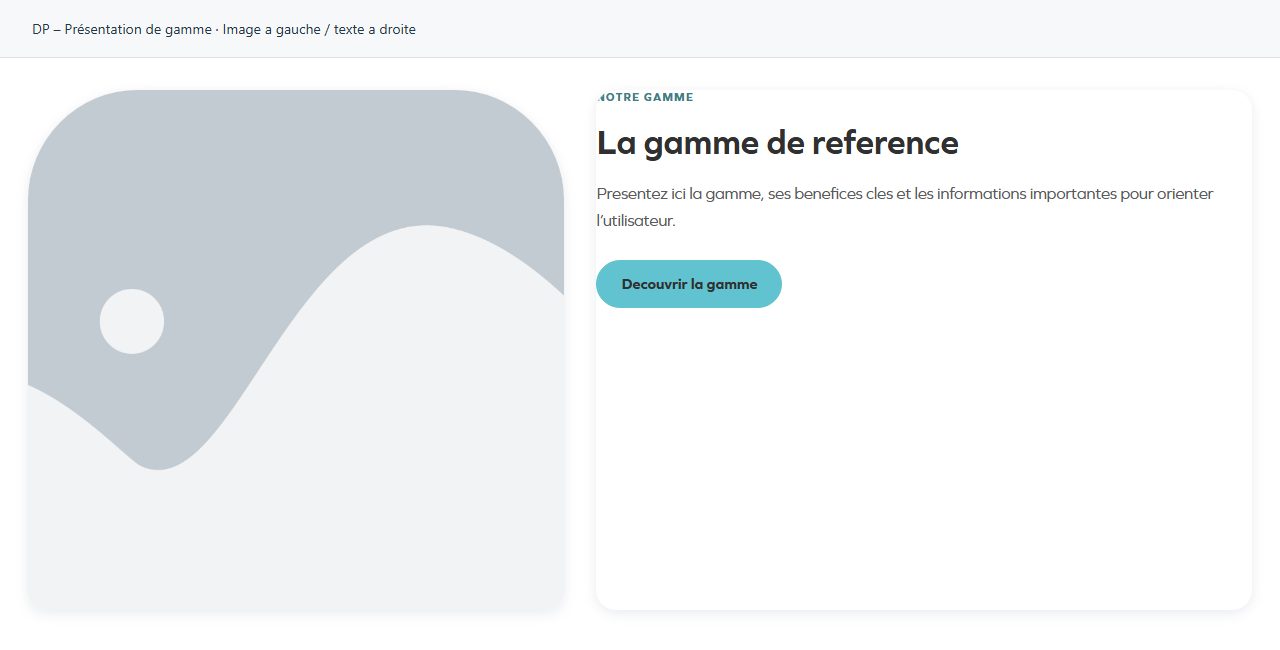
Image a gauche / texte a droite
Image on the left, text on the right: the visual introduces the subject.